
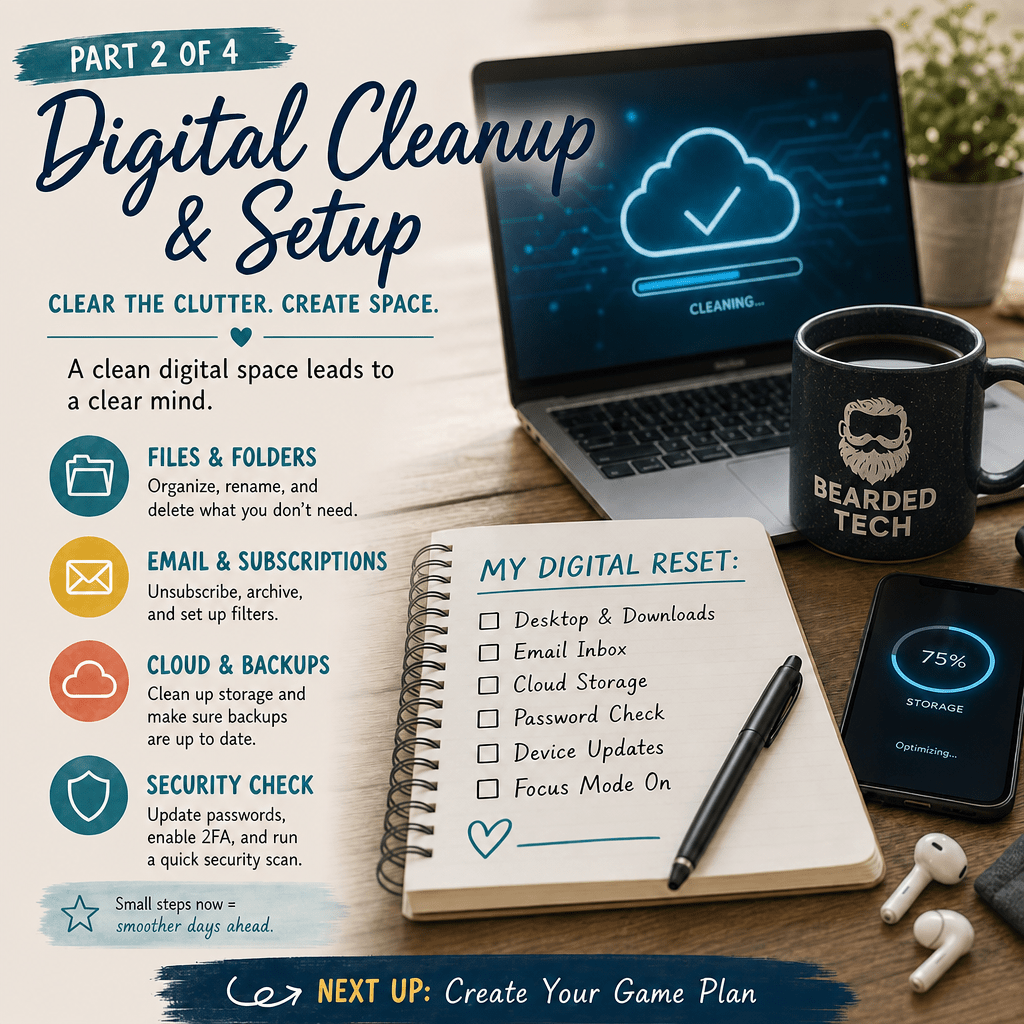
This is Part 2 of a four-part series on getting ready for the new school year: Reset & Reflect, Digital Cleanup & Setup, Building Routines That Stick, and Countdown to Day One.
If your digital classroom looks anything like mine did a few Augusts ago, it’s a graveyard of half-used apps, expired trials, and a Google Drive that hasn’t been organized since 2019. Let’s fix that before the first bell rings.
Audit before you add
Before installing anything new, take stock of what you already have:
- List every platform, app, and tool you used last year.
- Mark each one: keep, cut, or reconsider.
- For anything you’re cutting, actually delete the account or unenroll — don’t just stop using it. Digital clutter has a way of creeping back.
Clean up your core systems
- LMS (Google Classroom, Canvas, Schoology, etc.): Archive last year’s classes, clear out old assignments, and rebuild your class shells fresh rather than reusing a cluttered one.
- Login credentials: Reset passwords for anything shared with students, and make sure your password manager (you’re using one, right?) is current.
- Shared drives/folders: Rename and reorganize with this year’s dates. Future-you will thank present-you in March.
Set up what you’re keeping — now, not in August
Waiting until the week before school means troubleshooting under pressure. Instead:
- Recreate class rosters and groups as soon as they’re available.
- Test any tool that requires a login as a student would experience it, not just as the teacher.
- Bookmark or pin the 4-5 tools you’ll actually use daily so you’re not hunting for links in front of a class.
One good habit: a “tech home base” doc
Create a single doc or page listing every link, login note, and quick-start step for your core tools. When a sub, parent, or new student needs access, you hand them one link instead of five.
Next up: the routines — digital and otherwise — that make the first six weeks run themselves instead of running you.
This post is part of a four-part series on getting ready for the new school year. Missed the last one? Part 1: Reset & Reflect ← | → Continue with Part 3: Building Routines That Stick


Leave a Reply